
Furvi

Two Mac screen savers free to download. More cats and dogs for $5.9 each, or $9.9 for everything — yours forever.

Furvi

Free

Two hand-picked pet screen savers — no sign-up, just download

Plus

One for $5.9 — or everything for $9.9

Calico CatCalico Cat
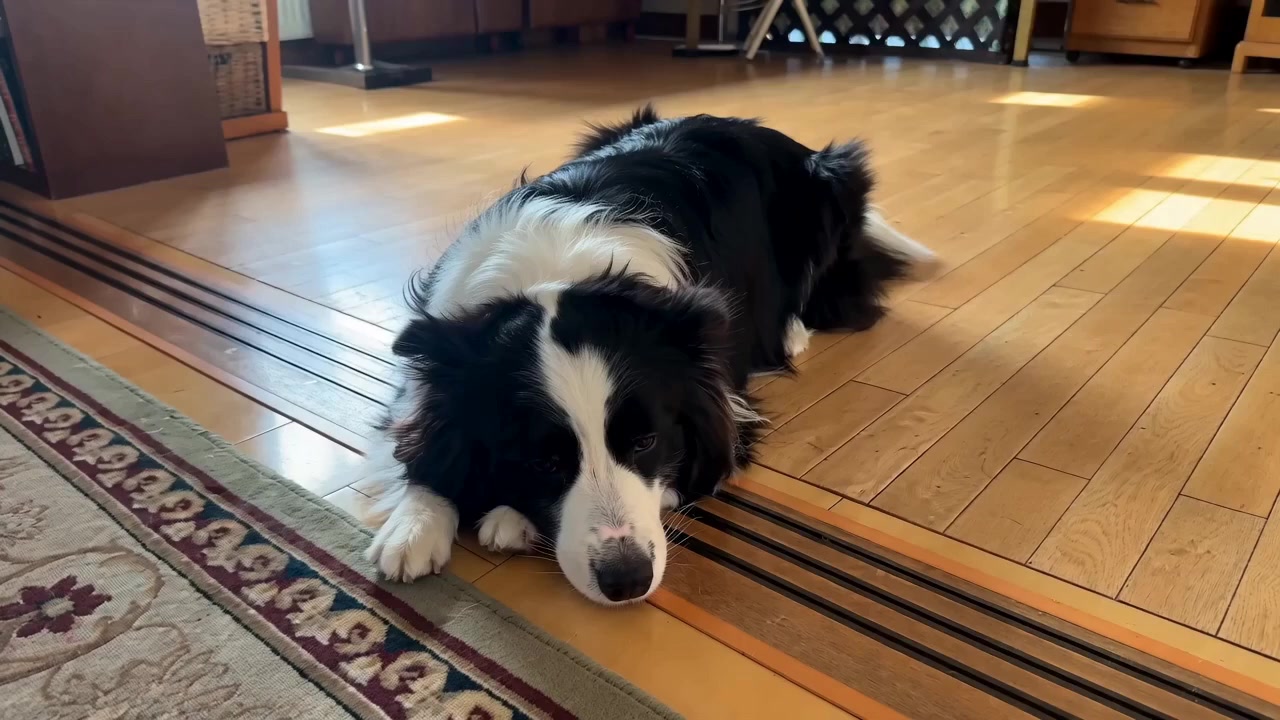
Border CollieBorder Collie
CorgiCorgi
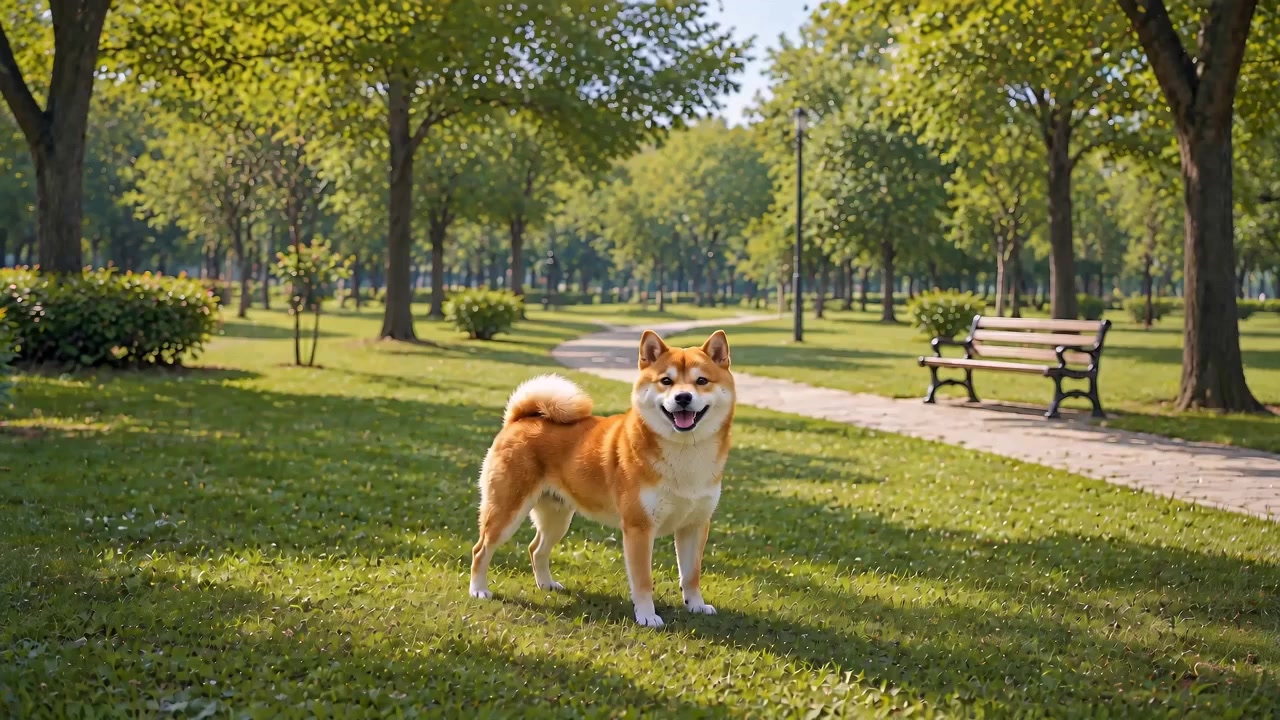
Shiba InuShiba Inu
Bichon FriseBichon Frise
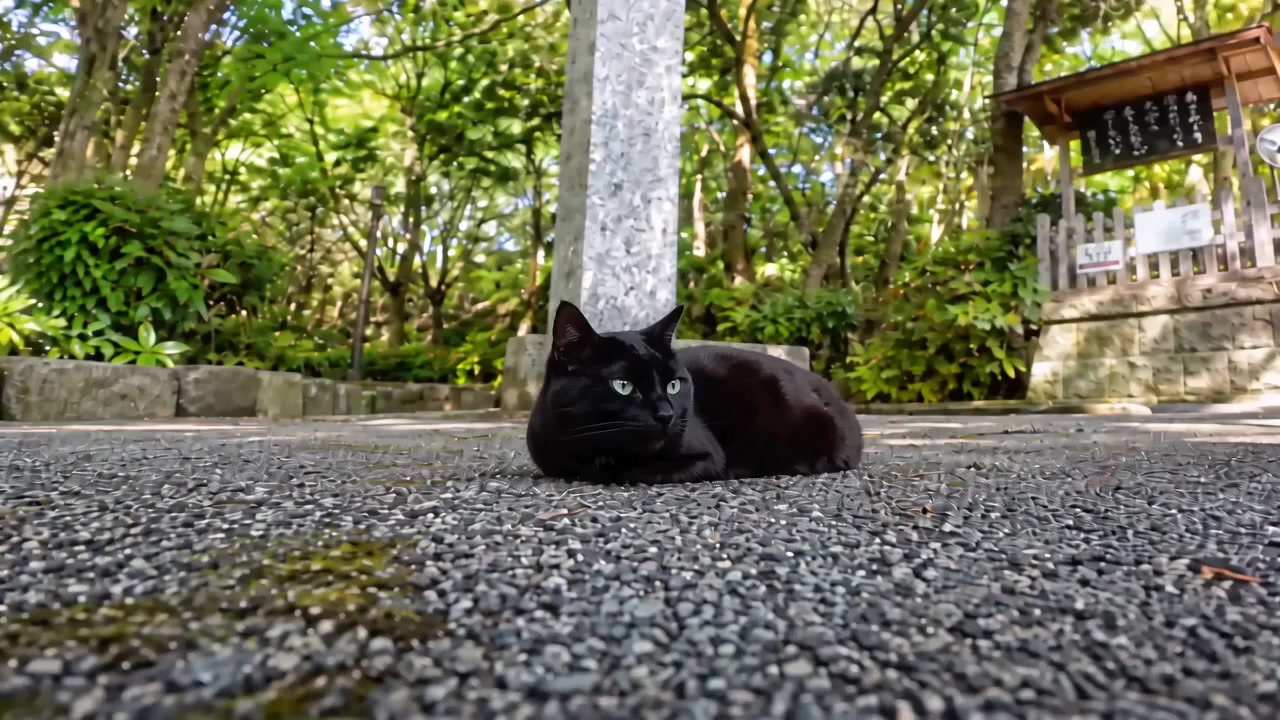
Black CatBlack Cat

Purchases stay on your account — re-download any time.

Our story

I love these animals — now they can keep you company

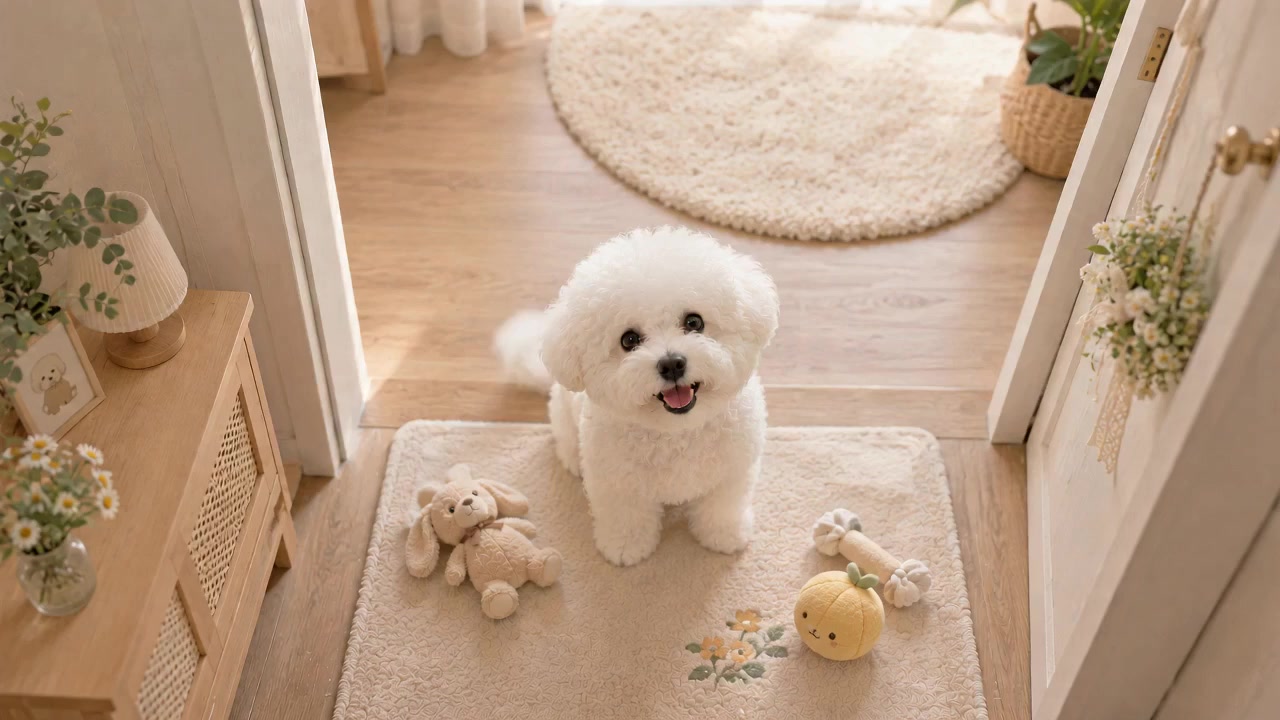
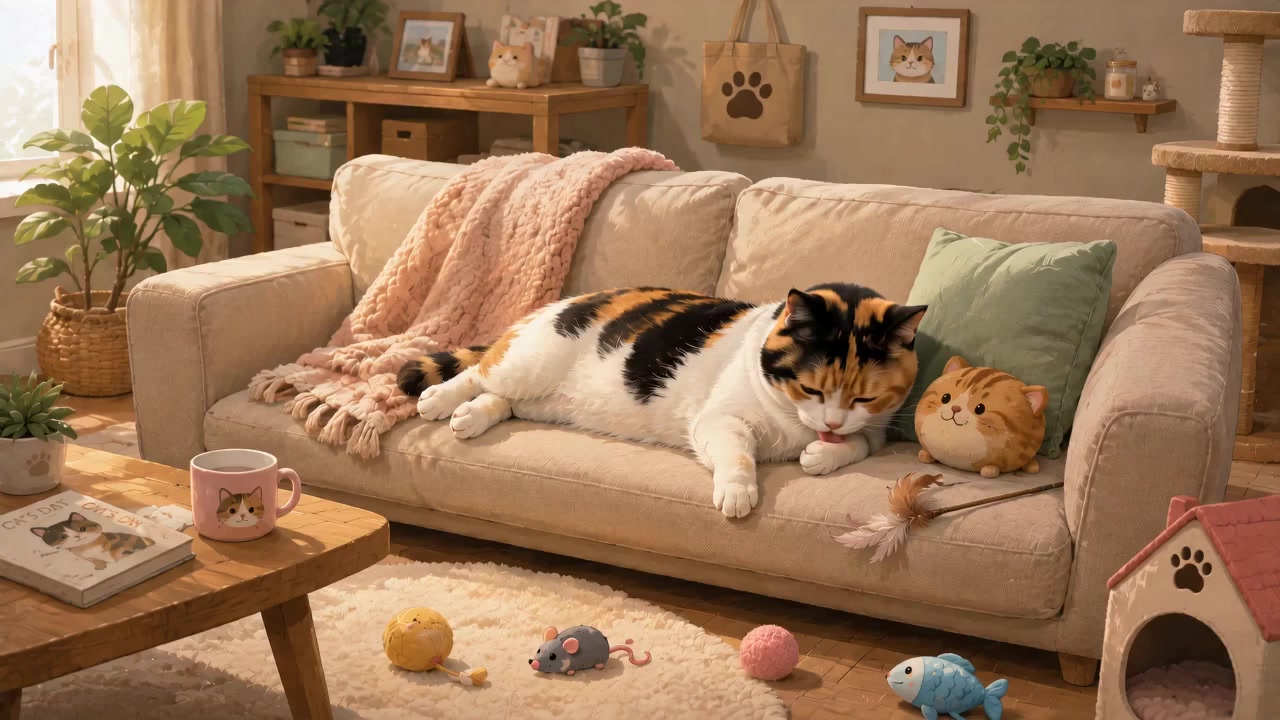
I'm someone who genuinely loves animals. My cat dozing on the sofa, my dog waiting at the door when I come home — those are the most comforting moments of my day.

That's how Furvi started: turning those moments into Mac screen savers that quietly keep you company when you step away. The two free ones are modelled on my own cat and dog and stay free forever; the extra breeds in Plus come from friends' beloved pets.

One thing to be clear about: every scene on this site is AI-generated — inspired by how these animals actually look and behave, not filmed footage. Plus pricing ($5.9 for one, $9.9 for all) covers CDN costs, the Apple Developer account, and making more of them.
Install

Install it into macOS in three simple steps.

  1. 1

    Download the screen saver

    Hit "Free download" for the free ones, or download from your account after buying. You get a .saver.zip archive.

  2. 2

    Unzip and double-click

    Double-click to unzip, then double-click the .saver file. macOS opens System Settings and offers to install it.

  3. 3

    Turn it on in System Settings

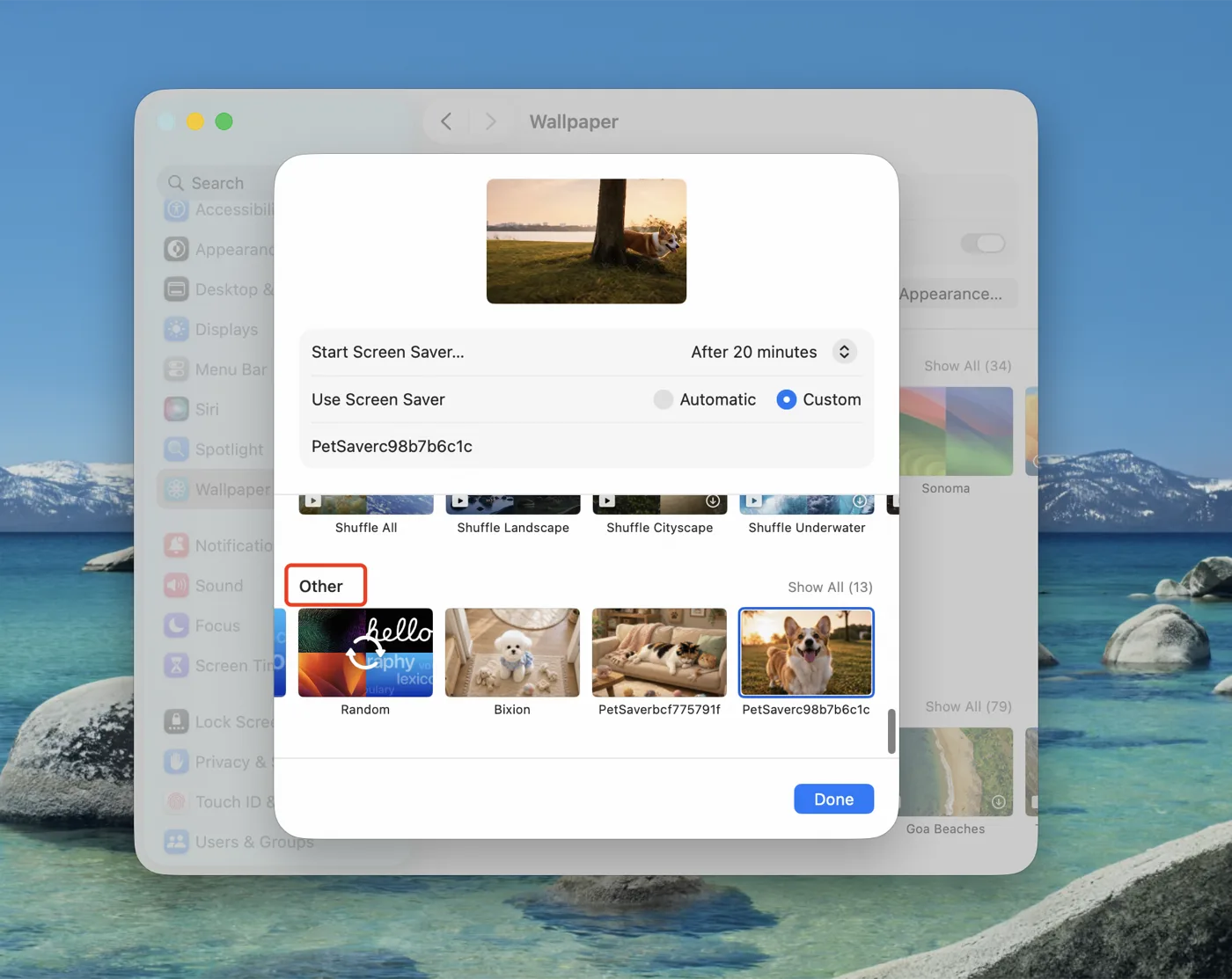
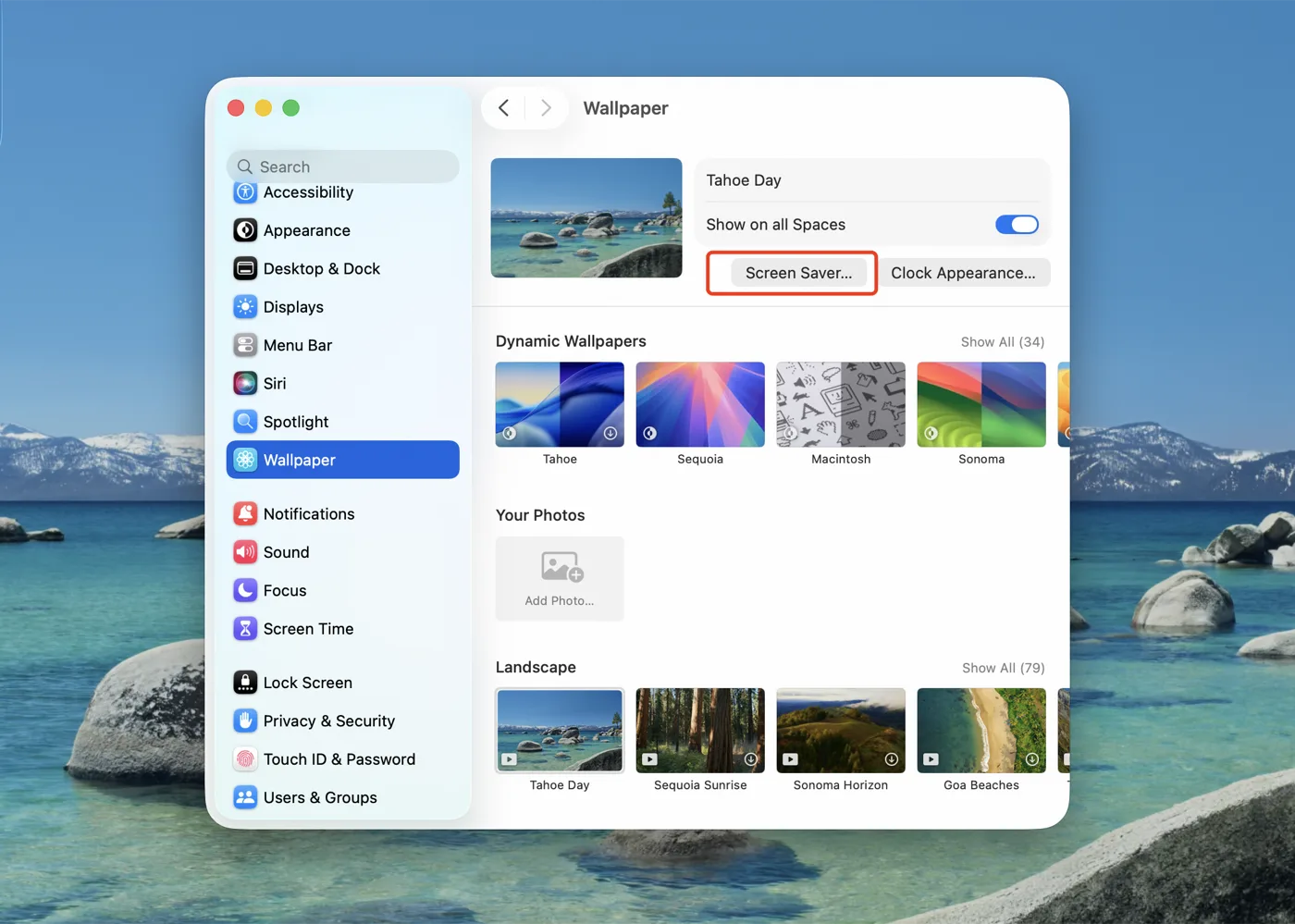
    Open System Settings → Screen Saver, select the one you just installed, and set "Start after" — 5 minutes works well.