Turn Your Pet Into a Mac Screensaver

Upload a few photos of your cat or dog. We'll bring your pet to life on your Mac.

Apple Notarized · macOS 13+ · One-time purchase

  • Apple Notarized
  • macOS 13+
  • Apple Silicon & Intel
  • One-time Purchase
  • No Subscription
Furvi

How It Works

  1. 1

    Upload Your Pet

    Send us 2–5 clear photos.

  2. 2

    We Bring Them to Life

    We create animated scenes based on your pet's appearance.

  3. 3

    Install on Your Mac

    Download your personalized screen saver and install it in a few clicks.

Custom Pet Screensaver

$19.90$12.90Launch price

  • 1 pet
  • 2 animated scenes
  • 1 free revision
  • Mac screensaver
  • One-time purchase
  • Lifetime download
Create My Screensaver

No subscription.

Add-ons

Optional, chosen when you order. Nothing is pre-selected.

  • Extra Scene+$4.90

    One more animated scene.

  • Second Pet+$5.90

    Add a second cat or dog.

  • Extra Revision+$3.90

    One more round of changes.

Try Furvi for Free

See how Furvi looks on your Mac before creating your own.

Want to see your own dog here?Create My Screensaver

Dog Screensavers for Mac

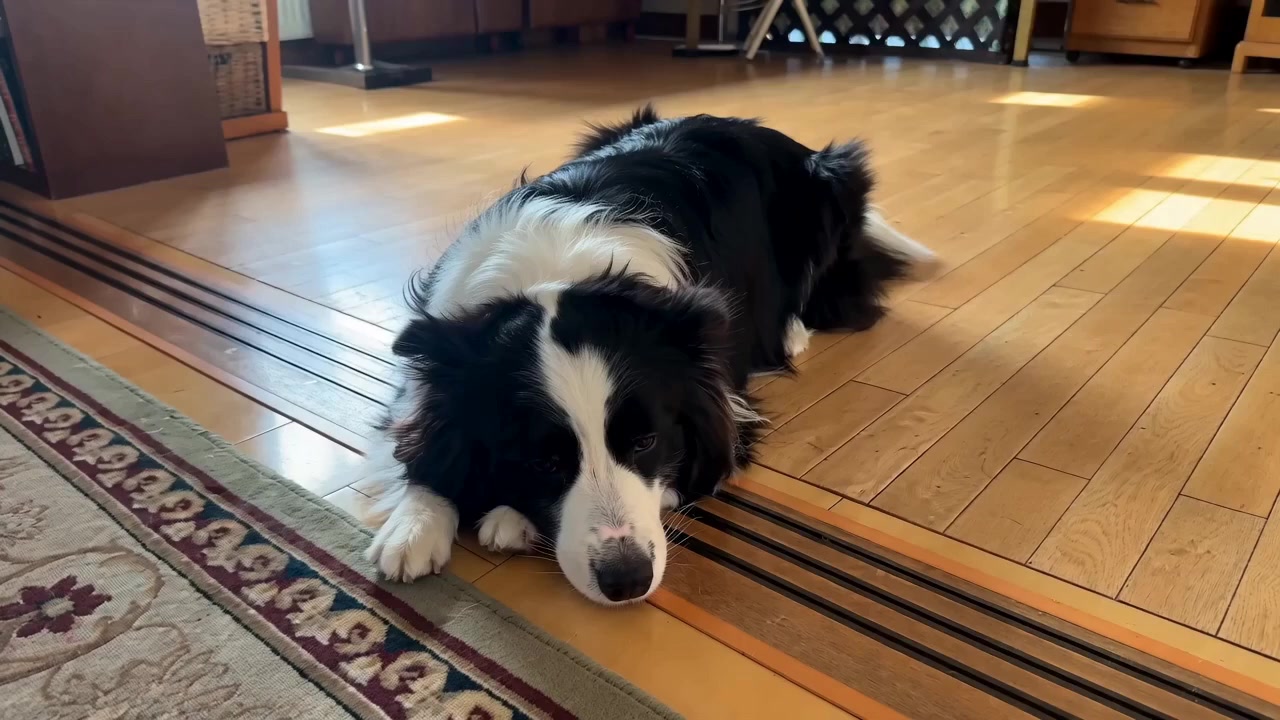
Border CollieBorder Collie
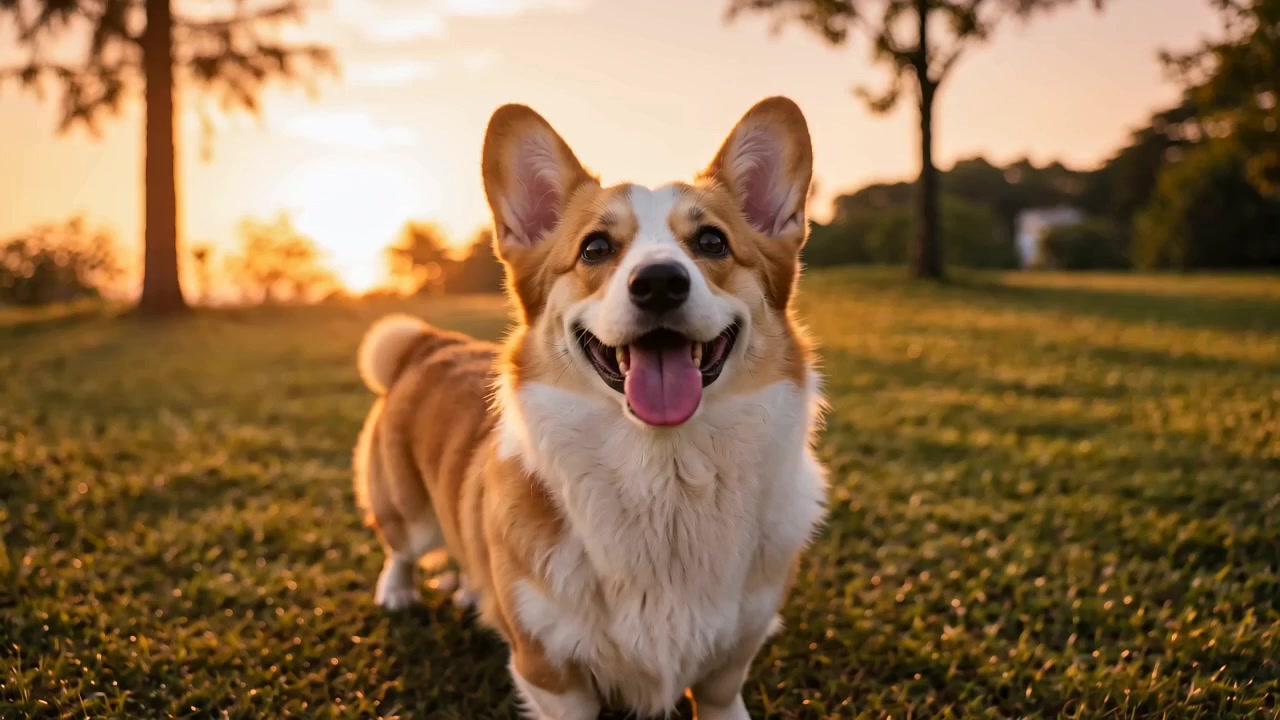
CorgiCorgi
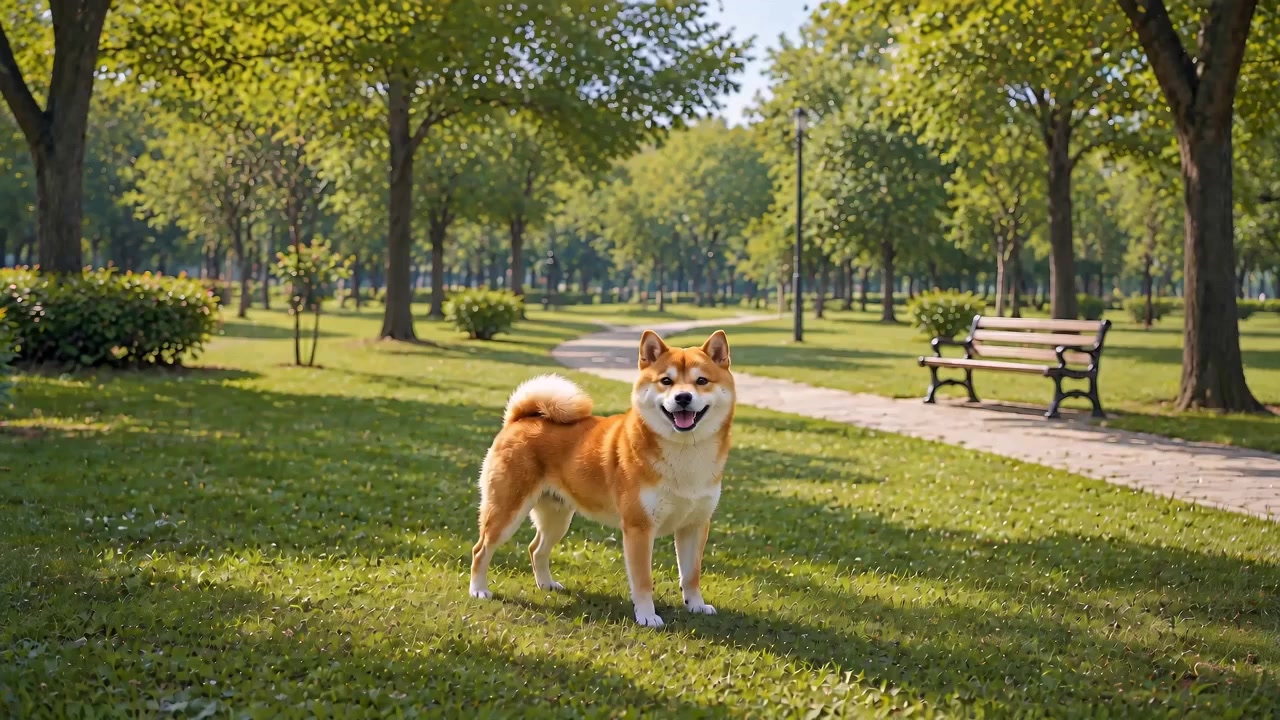
Shiba InuShiba Inu
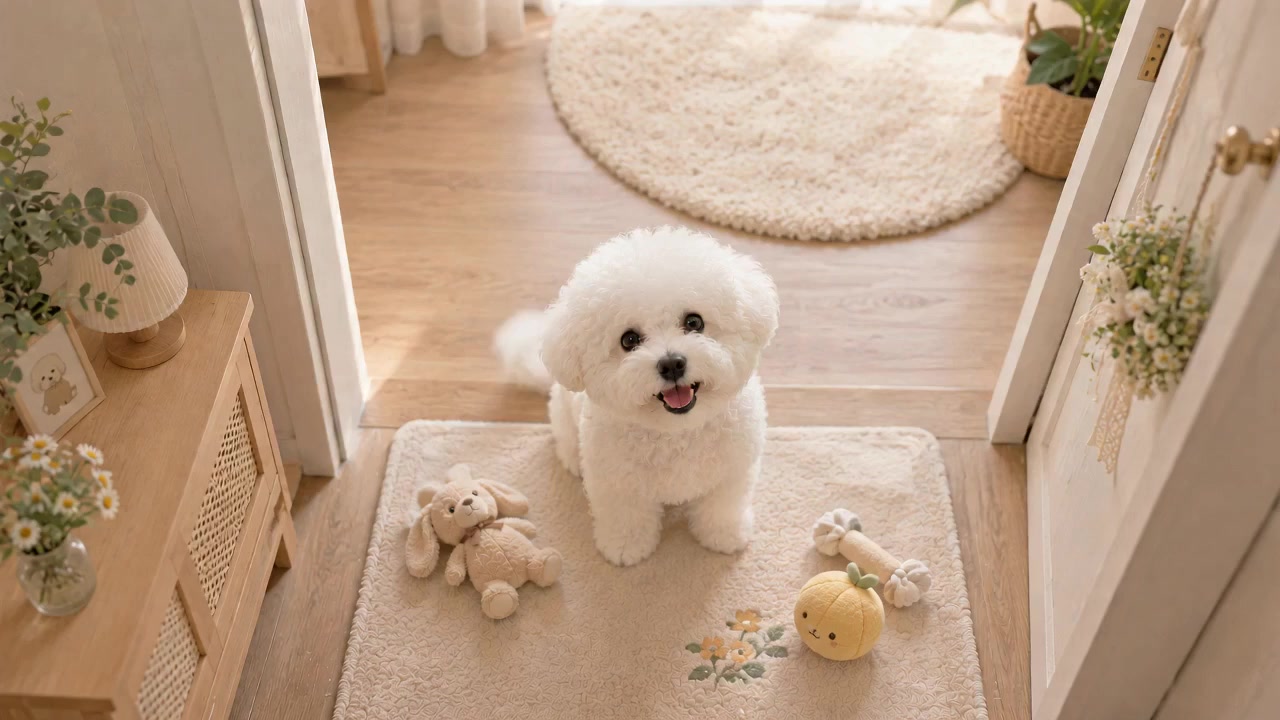
Bichon FriseBichon Frise

Want to see your own dog here?Create a Custom Dog Screensaver

Cat Screensavers for Mac

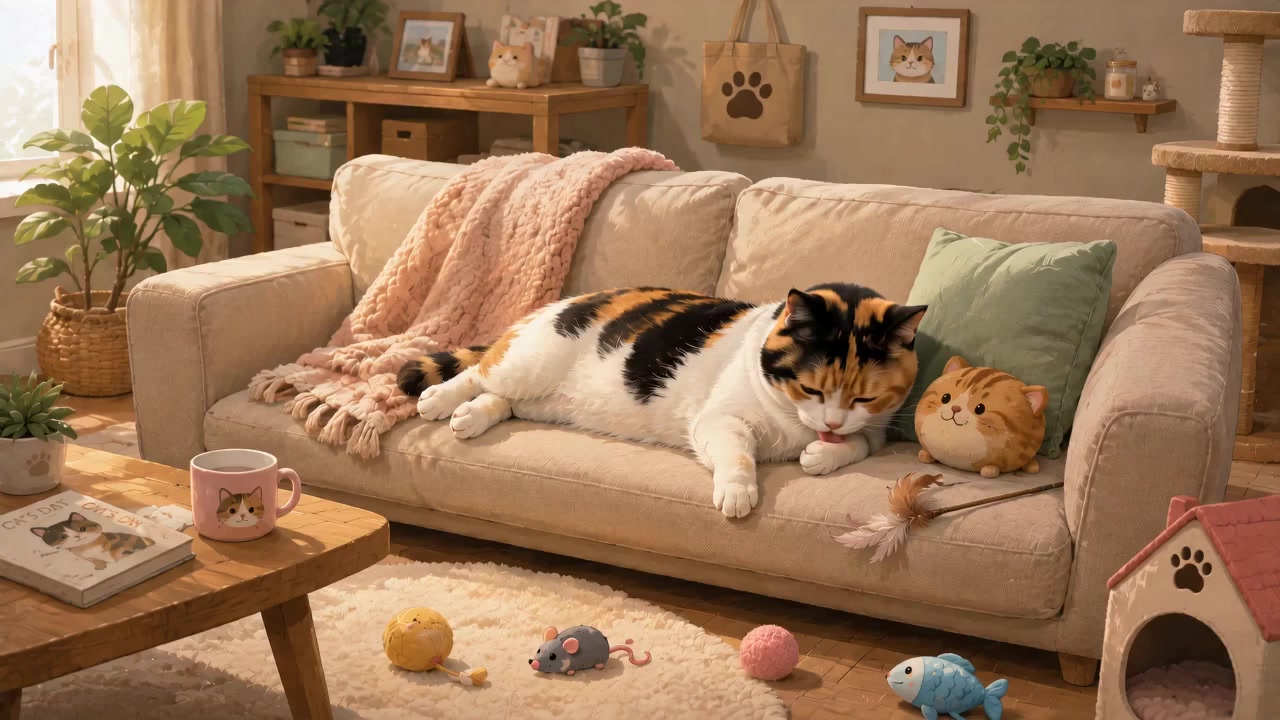
Calico CatCalico Cat
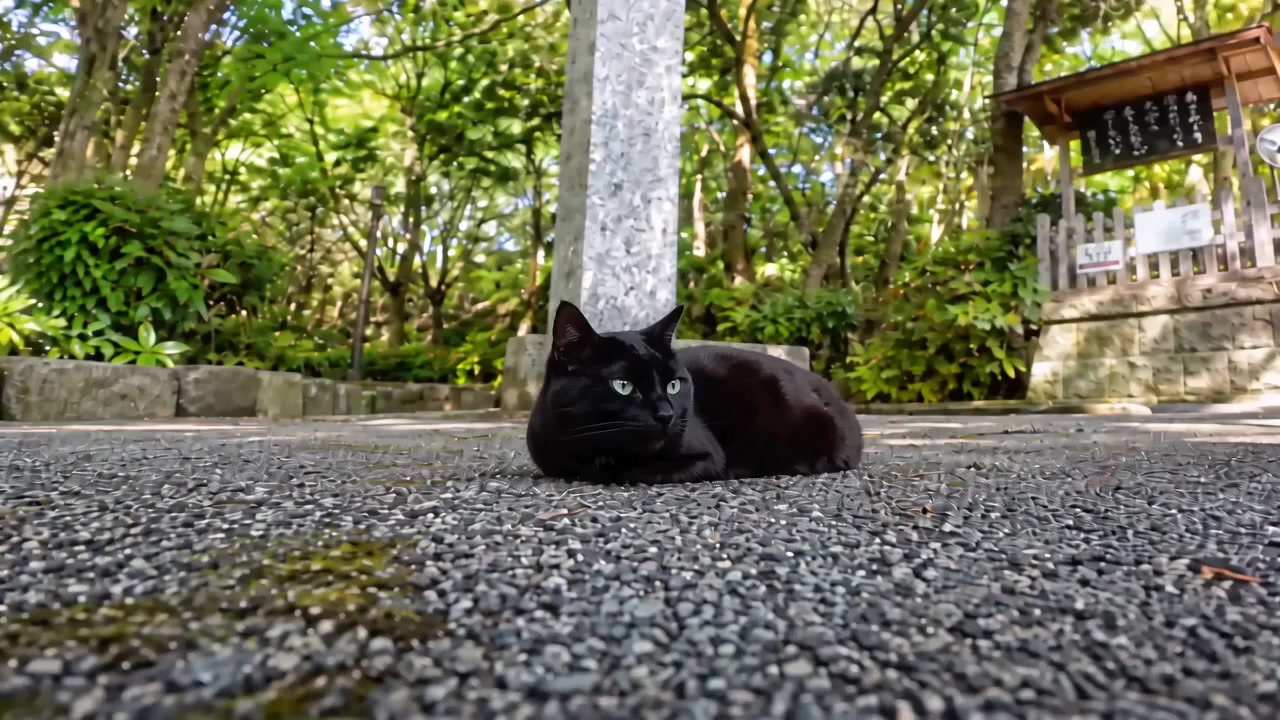
Black CatBlack Cat

Want your own cat on your screen?Create a Custom Cat Screensaver

One for $3.9 — or everything for $6.9

Purchases stay on your account — re-download any time.

Why Furvi

Apple Notarized

Verified by Apple for safer installation.

One-time Purchase

No subscription or recurring fees.

Built for Mac

Supports Apple silicon and Intel Macs.

One Free Revision

We'll make reasonable adjustments if something doesn't look right.

I love these animals — now they can keep you company

I'm someone who genuinely loves animals. My cat dozing on the sofa, my dog waiting at the door when I come home — those are the most comforting moments of my day.

That's how Furvi started: turning those moments into Mac screen savers that quietly keep you company when you step away. The two free ones are modelled on my own cat and dog and stay free forever; the extra breeds in Plus come from friends' beloved pets.

One thing to be clear about: every scene on this site is AI-generated — inspired by how these animals actually look and behave, not filmed footage. Plus pricing ($3.9 for one, $6.9 for all) covers CDN costs, the Apple Developer account, and making more of them.
Install

Install it into macOS in three simple steps.

  1. 1

    Download the screen saver

    Hit "Free download" for the free ones, or download from your account after buying. You get a .saver.zip archive.

  2. 2

    Unzip and double-click

    Double-click to unzip, then double-click the .saver file. macOS opens System Settings and offers to install it.

  3. 3

    Turn it on in System Settings

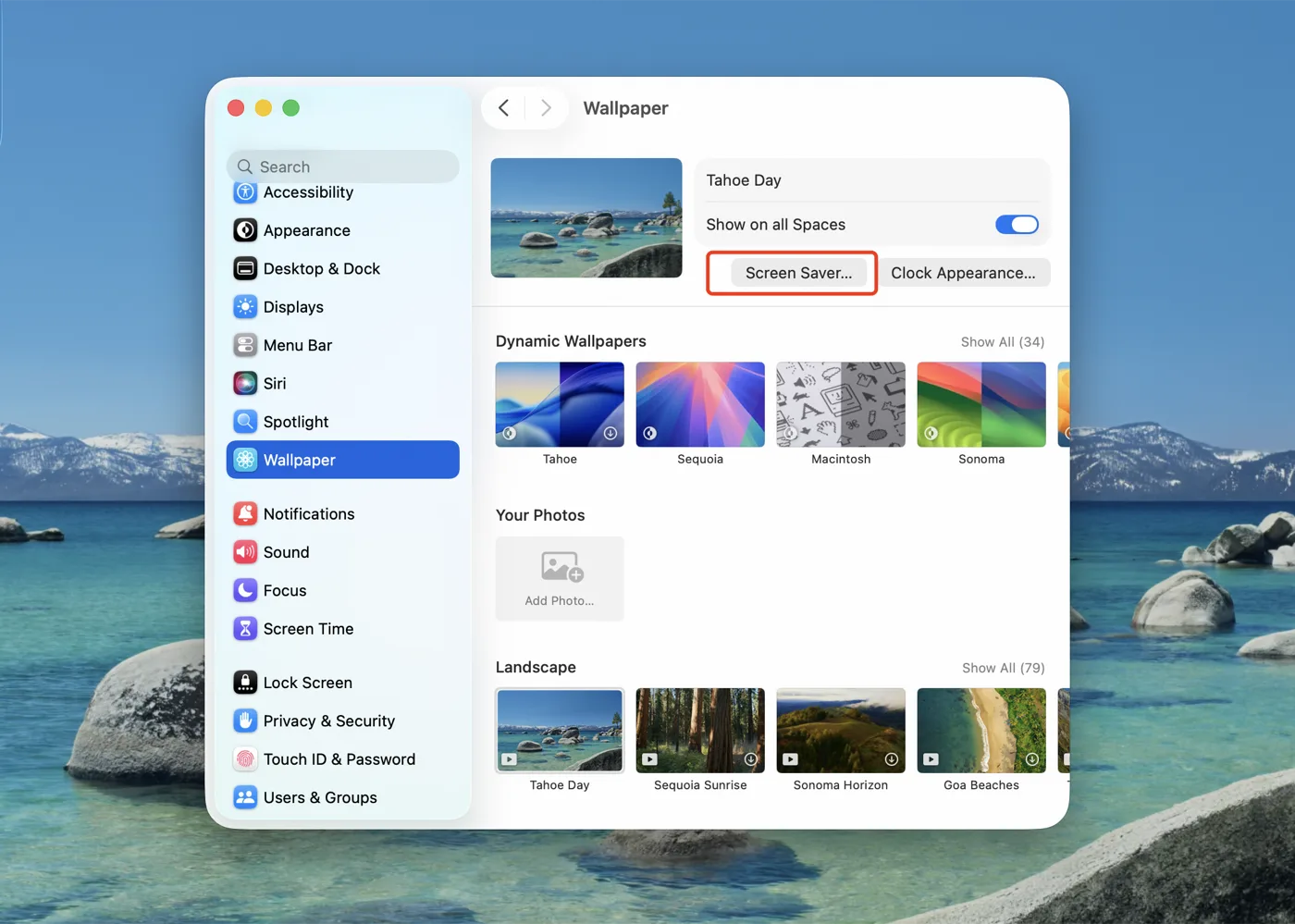
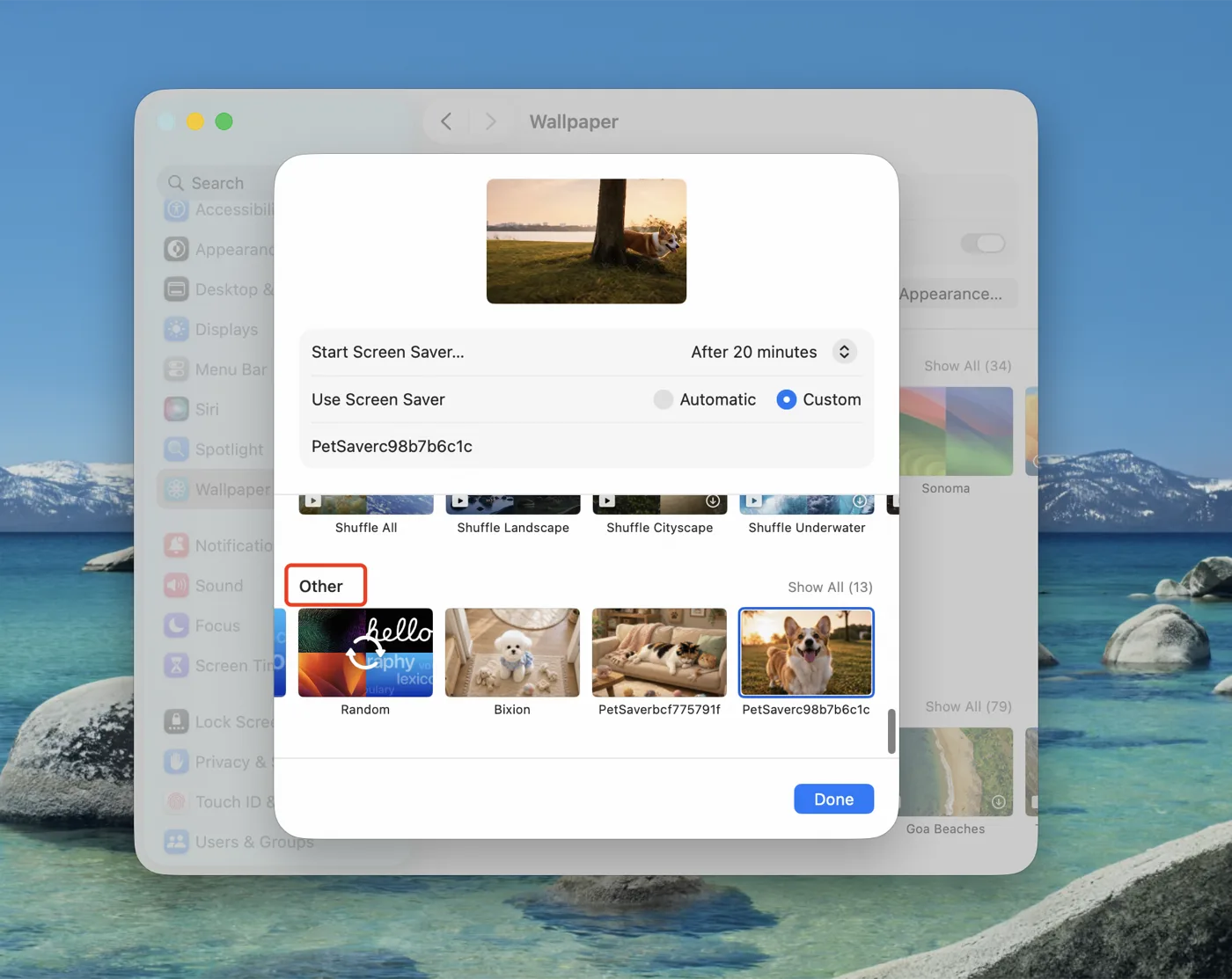
    Open System Settings → Wallpaper → "Screen Saver…" (on macOS 14–15 it sits in the sidebar) and pick yours from the "Other" group.

    The Wallpaper pane of macOS System Settings, with the Screen Saver button outlined in red
    System Settings → Wallpaper → Screen Saver…
    The screen saver picker panel, with the Other group outlined in red and the installed pet screen savers below it
    Your screen saver appears under "Other"

Questions

Will it actually look like my pet?

It's animated from your photos, so coat, markings and shape follow your pet — but it's an illustration, not footage of them, and details can differ. One revision is included for exactly this reason.

What photos should I upload?

2–5 photos in natural light: one facing the camera, one from the side, one of the whole body. Nothing covering their face or markings.

What if I don't like the result?

Tell us what to change and we'll redo it — one revision is included. If it still can't reasonably match your pet, email support@furvi.net and we'll refund you.

How long does it take?

Usually within 24–48 hours. Your order page shows the current status throughout.

Is this a subscription?

No. You pay once and keep lifetime access to re-download it.

Is Furvi safe to install?

Every package is signed with an Apple Developer ID and notarized by Apple, so macOS installs it without a security warning.

Which macOS versions are supported?

macOS 13 Ventura and later, including Sonoma, Sequoia and Tahoe. Universal binary — Apple silicon and Intel.

Can I use more than one pet?

Yes — add the Second Pet option ($5.90) and you'll get a second upload area.

Ready to See Your Pet on Your Mac?

Create My Screensaver — $12.90

Apple notarized · One-time purchase · One free revision